Tag: blender 3d

  • Desk Golf, where a ball named Juan thinks everything is a golf hole.

    Desk Golf, where a ball named Juan thinks everything is a golf hole.

    I call this scene “Desk Golf.”

    My lamp model makes a comeback in this lesson! This time, it’s helping a golf ball reach the hole at the top of a stack of books.

    I cheated a bit by looking up a tutorial on how to make the golf ball. And somehow, even with the tutorial, I managed to mess up the golf ball. The dimple pattern is weird in some places. But, I have to remember that golf is weird in some places. Looks like I just turned this bug (ugly ball) into a feature (ugly ball…because golfers like it that way).

    Also, the transition from the cylindrical metal eraser ring on the pencil to the hexagon shape of the pencil is pretty jarring. I’m excited for future lessons where I might learn about ways to fix this.

    A few things I learned while making this that I can apply to future projects:

    • Applying color early to a model can help identify geometry issues. I realized, very late in the project, that the spine of my hardcover book model doesn’t align with the cover, which causes a dark like (empty space) along the entire length of the spine.
    • When using the same base model over and over in a scene, think about whether the parts should be a single object or many. For example, with the books in this scene, I wasted a lot of time adding the Paper color material to surfaces within a single object. I probably should have 1) created a “paper” cube, 2) applied materials to that cube, and 2) THEN added covers of varying colors.

    Desk Golf, a scene made in Blender 3D featuring a golf ball and his lamp friend measuring up to a hole at the top of a stack of books.
    Desk Golf, a scene made in Blender 3D featuring a golf ball and his lamp friend measuring up to a hole at the top of a stack of books.
  • Lamp Lessons: Lessons Make Lamps. Lessons Lamps Learn. Blender is Neat.

    Lamp Lessons: Lessons Make Lamps. Lessons Lamps Learn. Blender is Neat.

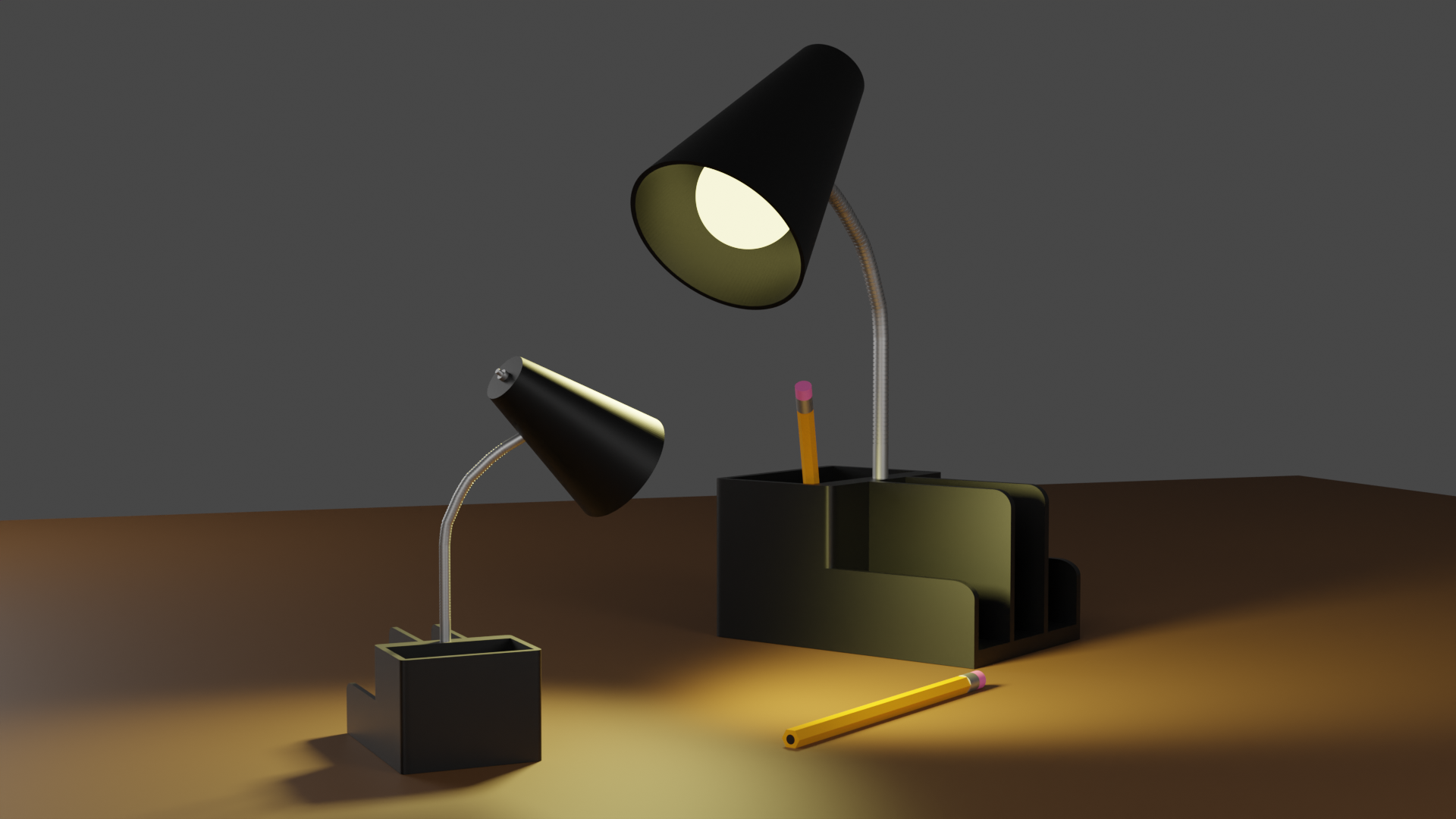
    I call it “Lamp Lessons.” Because even non-sentient desk furniture should know to put pencils away when done with them. It seems the mom lamp is scolding the child lamp for some reason. Maybe the child lamp forgot to put the pencil back with it’s mate? How did the child lamp hold a pencil, you ask? Don’t ask. It’s rude.

    Blender model of two desk lamps
    Lamp Lessons

    I took a short break after completing the donut tutorial to learn a bit about Unity’s Mecanim system. And a bit is exactly how much I learned. I feel like that despite the endless complexity the Mecanim system offers, I learned it more quickly than I was expecting. One short Udemy course does not make an expert, I understand, but I feel comfortable with that I know. Comfortable enough to move on and take another Blender course.

    See, Blender, unlike Unity and the Mecanim system, is not coming to me quickly. 3D modeling is quite hard for me, actually. So, for now, I’m turning my focus to Blender with the hopes of coming back into the animation side when I learn how to create custom animation rigs in Unity. At that point, I think, the words of Unity and Blender will truly collide, and then I will truly be able to make some cool games.

    Always follow passion. Right now, I have a passion to learn more about 3D modeling. It sure doesn’t hurt that I’m having a ton of fun doing it (Fun is the strongest direct motivator).

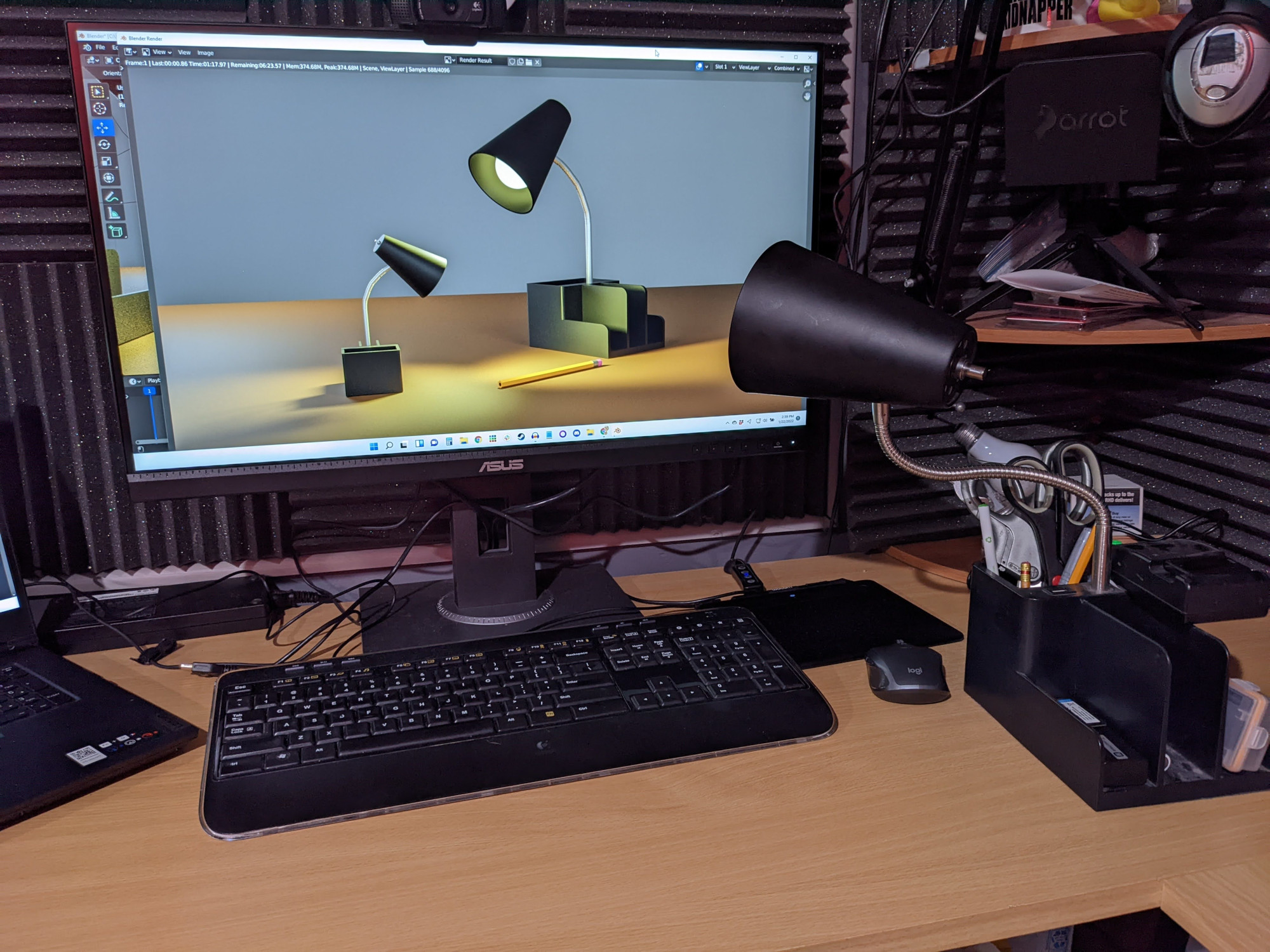
    Teaching my own desk lamp to always put pencils back when finished with them


    Blender Workstation Photo 1


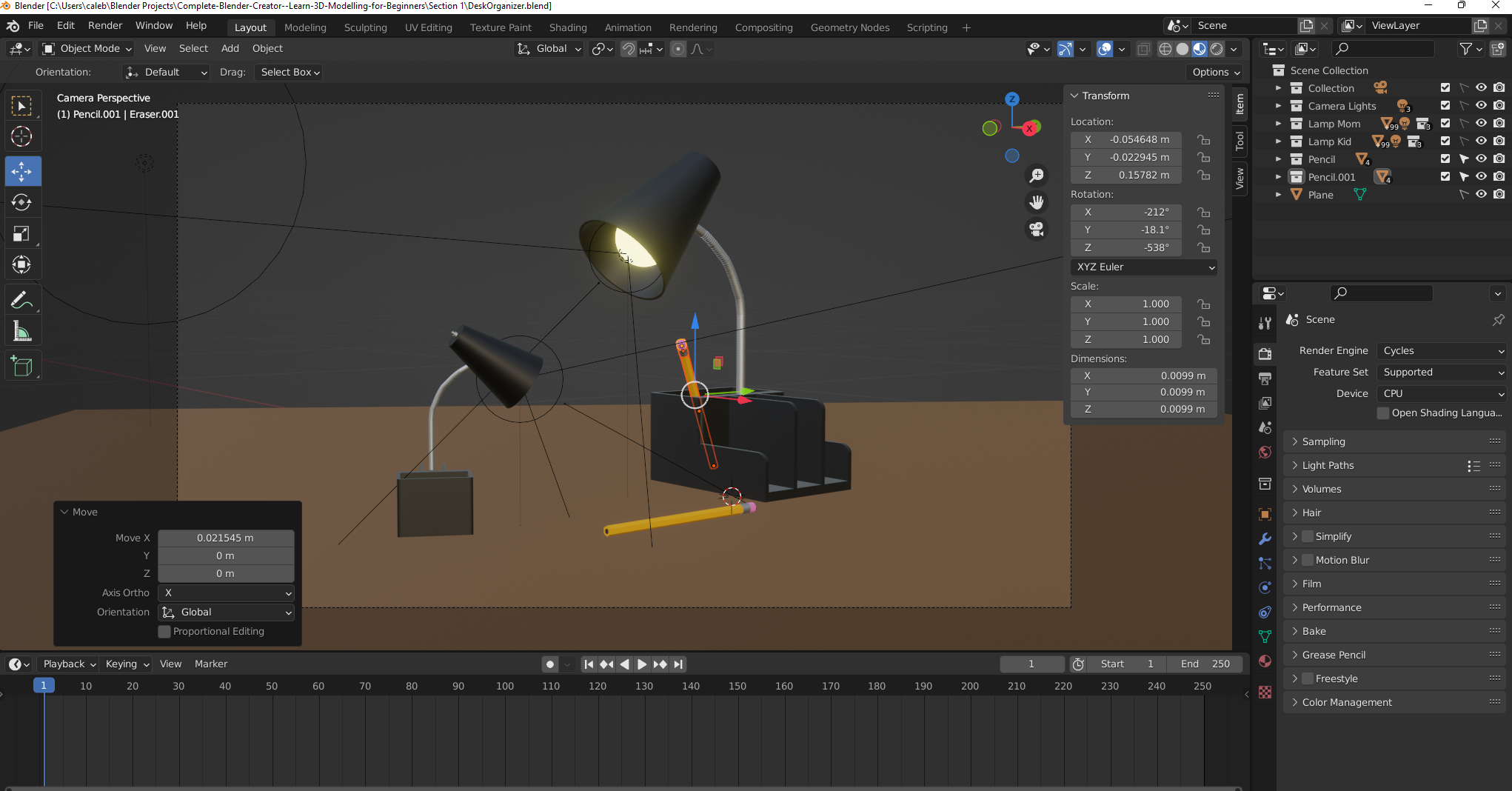
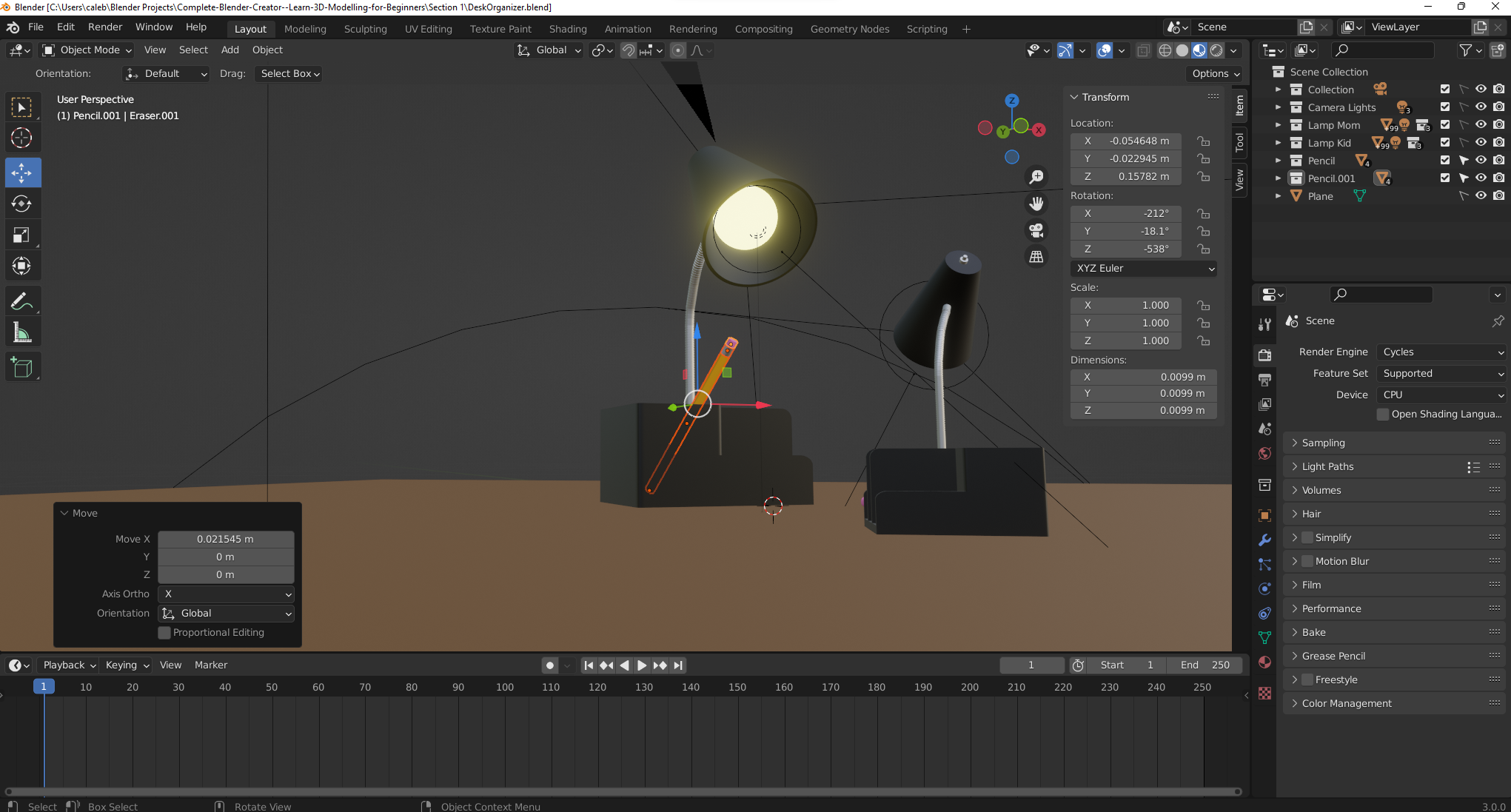
    Blender Workstation Photo 2